
A Year Into Wispr Flow, I Can't Work Without It Anymore
Bullet points in, full messages out. That's the whole unlock.
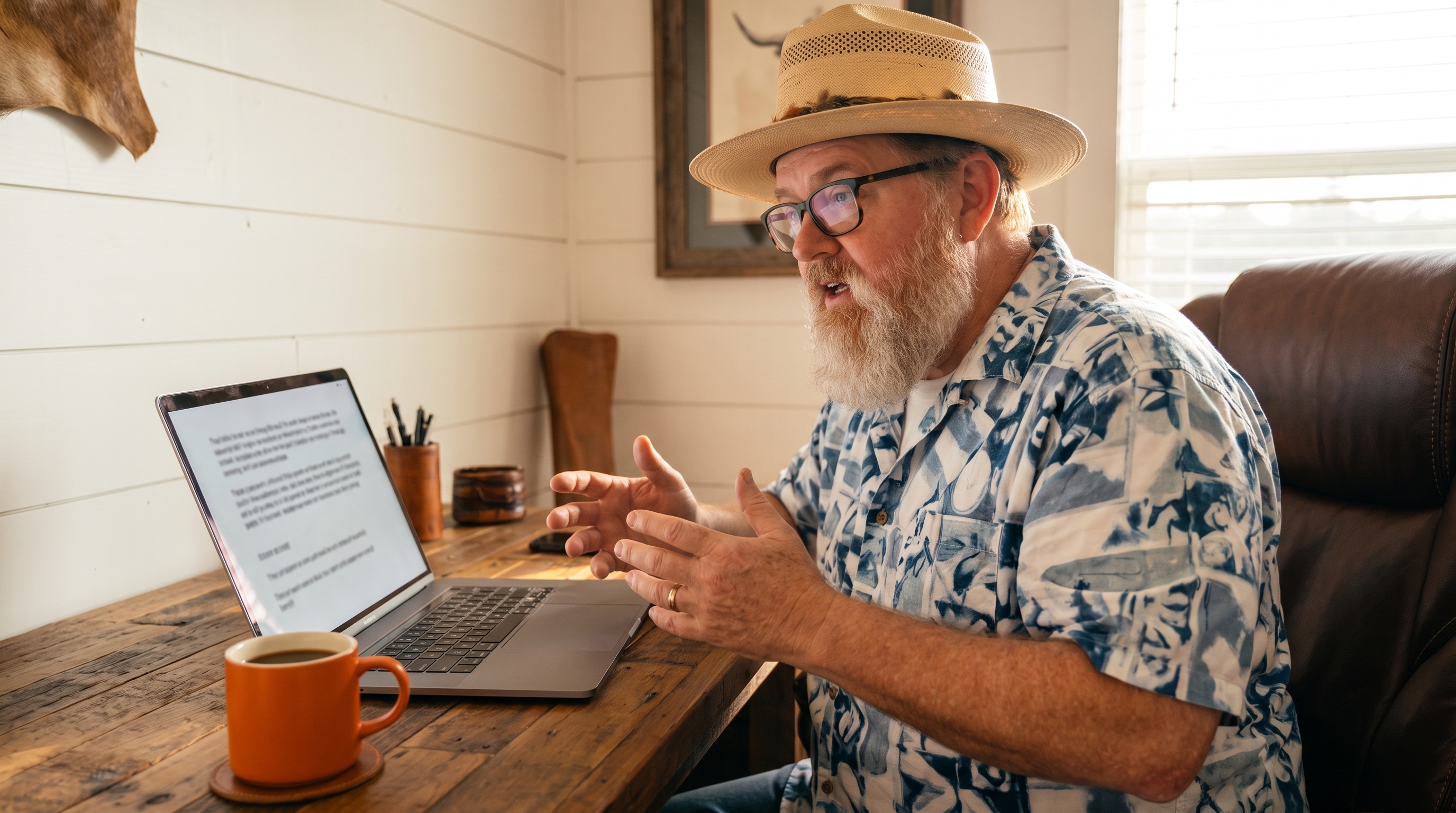
A year ago I thought voice dictation was a novelty. Wispr Flow sat on my personal machine like every other app I was trying that month, useful in theory, easy to forget about. I don't feel that way anymore. I dictate messages, blog drafts, agent instructions, all of it, and going back to typing full sentences feels like driving with the parking brake on.
Bullet points in, full messages out
The part that surprised me is how well it handles fragments. I don't have to compose a clean sentence before I open my mouth. I list out bullet points, half thoughts, corrections mid-sentence, and it reassembles the whole thing into something readable. That matters more than raw speed. Typing forces you to simplify before you even start, because typing is slow enough that you edit as you go. Talking doesn't have that bottleneck. You get more of the actual thought down before you shape it.
Practically, that means I answer team messages faster and switch apps without losing my place. The old pattern was stop, open the app, type, proofread, send, and somewhere in there I'd get pulled into Slack or lose the thread entirely. Now I just say the thing and keep moving. It's the same instinct behind why I killed my browser workflow for content creation. Every extra step between a thought and its output is a place to lose momentum.
A page of thought in one breath
The multitasking change is the one I didn't expect. I can dictate a full page of text, flat, no stopping to fix anything, and move straight to the next task. Editing happens later if it happens at all. The old model was write, review, fix, all serial, all bottlenecked by typing speed. Voice removes the cap. The artifact catches up to how fast I actually think instead of the other way around.
That's really what's happening here. Having the thought and producing the artifact used to be locked together, because typing speed set the pace for both. Voice breaks that link.
Personal machine versus work laptop
I run Wispr on my personal machine and get the full version of this. On my work laptop I don't have that yet, so I'm stuck with the built in Mac dictation. It's still better than typing for most things, but it's a noticeably worse experience. Fewer corrections handled automatically, less command support, more cleanup after the fact. I'm hoping to get Wispr approved there too, because the gap between the two machines is bigger than I expected going in.
Talking to agents
This is the one I'd single out if I had to pick one. Narrating instructions to an AI agent out loud is closer to briefing a person than writing a spec. I can list out what I want in bullet form, at conversational pace, and the agent gets it. Typing precise instructions always felt like translating my own thinking into a more rigid format first. Voice skips that step. It's the same reason Claude Code works better as project manager material than as a chat window: the interface should match how you actually think, not force you into a format.
I use the same voice-first habit for logging workouts by just talking to my phone. Same principle, different domain. Talk first, let the system structure it.
Where I landed
I didn't expect a dictation app to change how much I get done in a day, but it did. Not because it's faster at the sentence level, though it is, but because it removes the friction that used to make me choose between doing the thing and writing it down.
Disclosure: I'm part of Wispr Flow's affiliate program, so the link below is mine and I earn a commission if you sign up through it. I'm recommending it because I use it daily and would be recommending it either way. If you'd rather skip the link, search Wispr Flow directly, same product, I just don't get anything for it.
This post came out of a Brain.
Talk through what you already know. BlackOps turns it into a structured knowledge base, then writes and publishes from it, to your own domain, X, LinkedIn, Threads, and your newsletter. No email until you have seen your Brain.
I wrote this post inside BlackOps, my content operating system for thinking, drafting, and refining ideas — with AI assistance.
If you want the behind-the-scenes updates and weekly insights, subscribe to the newsletter.
Related Posts
The Future Dev Team: One Senior Engineer and an Army of AI Agents
Learn how Mission-Command Development lets a senior engineer direct AI agents to deliver faster, higher-quality software in 2025’s competitive tech landscape.

Einstein Didn't Remember the Speed of Light
Einstein famously said he didn't bother remembering things he could look up. Thirty years into this career, I think I finally understand what he meant.

I Was Trying to Buy a Truck. I Accidentally Discovered the Future of Note-Taking.
I spent an hour researching a truck purchase with AI. At the end I hadn't written a single thing down. Then I asked BlackOps to log it. That one moment changed how I think about what this product actually is.